FREE DOWNLOAD
Headline that hooks people in, gets them excited and makes them want to sign up.
Project B - Legal Document Governance
Overview
A well-organized digital environment is essential for efficient legal operations. During my work across probate, estate administration, litigation, and insurance defense matters, I developed and implemented document governance systems that standardized file organization, naming conventions, and document workflows. This project highlights how I built a clear, intuitive structure for digital matter management that improved team efficiency and reduced errors.
The Problem
Before implementing a structured governance system, digital documents were often:
Stored inconsistently
Hard to locate quickly
Labeled in different formats
Missing version clarity
Spread across multiple folders or drives
This lack of structure caused delays, miscommunication, and extra work — especially in fast-moving legal environments.
The Goal
Create a document governance system that:
Is simple, intuitive, and repeatable
Organizes all matter-related documents in a predictable structure
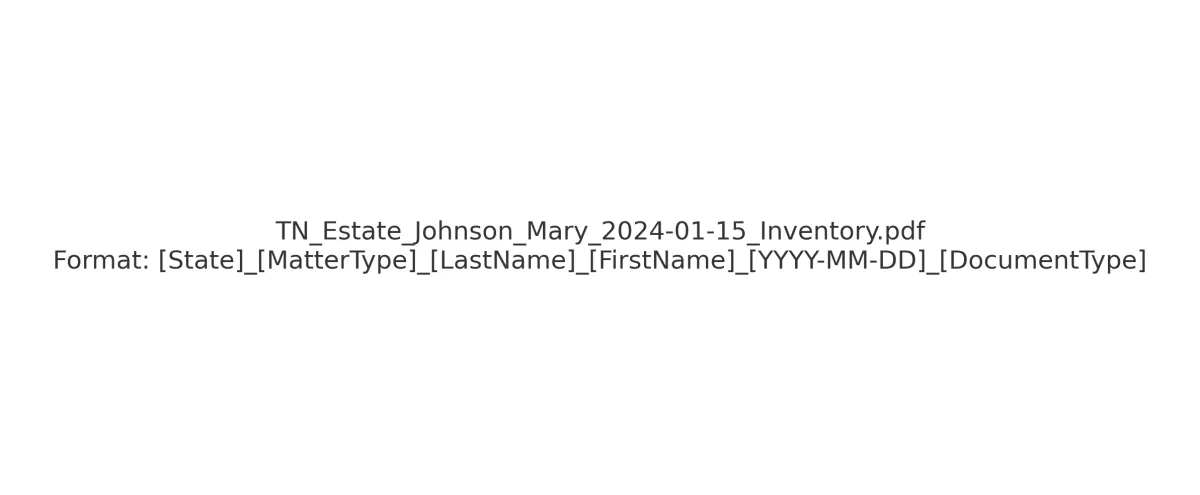
Uses clear naming conventions for immediate recognition
Supports quick onboarding of new employees
Reduces time spent searching for information
Enhances compliance and audit readiness
My Role
I independently designed and deployed:
A standardized digital folder structure
A naming convention strategy
A system for version control
Clear categories for all matter types
Templates and guidance for the legal team
I ensured the system worked equally well across probate, litigation, and specialty matters.
Tools Used
Google Workspace
Microsoft Office / Windows File Explorer
Clio, MyCase, WealthCounsel (platform-specific foldering)
Adobe Acrobat
Excel for document indexing
The Solution
1. Standardized Folder Structure
I created a simple, scalable folder hierarchy that allowed team members to quickly locate key documents without guesswork.
📄 Visual – Folder Structure Diagram (PNG)
👉 projectB_folder_structure.png
The core structure includes folders such as:
01 – Intake Documents
02 – Court Filings
03 – Inventory & Assets
04 – Creditor Notices
05 – Financial Records
06 – Correspondence
07 – Distribution & Closing
This clear numbering system made it nearly impossible to misfile documents or lose track of workflow status.